
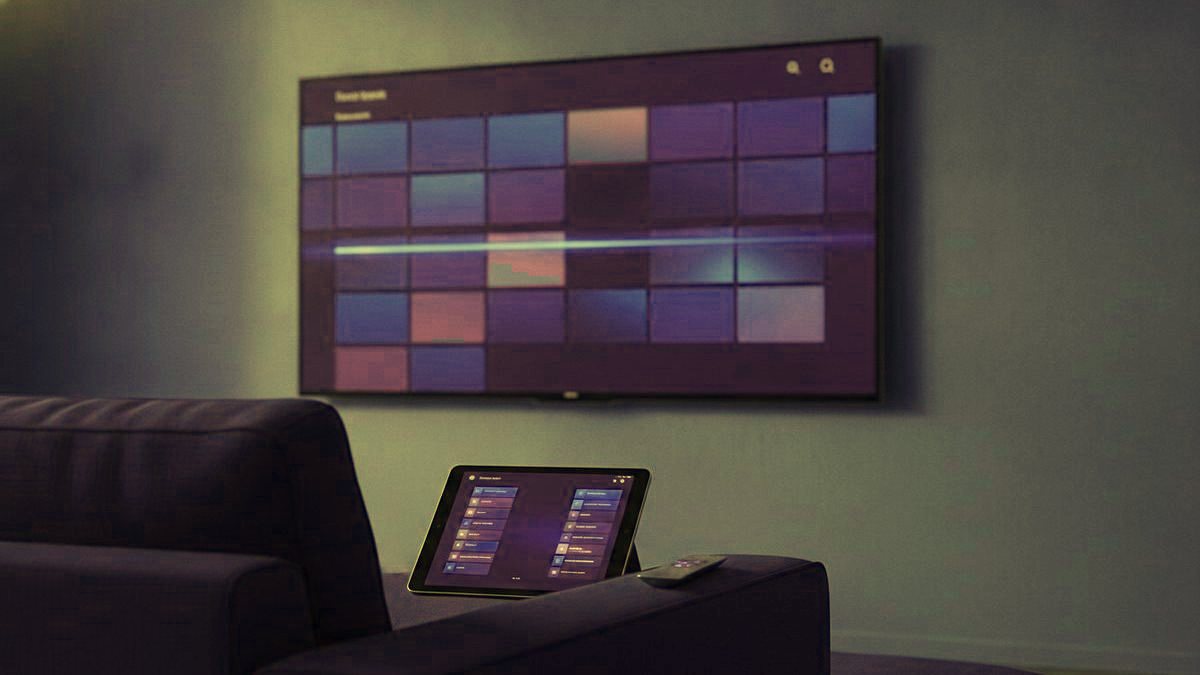
In a house with a mix of ages, you rarely end up with one player app; you end up with the right one on each screen. The living-room box, the kids tablet, the grandparent bedroom TV and the Apple TV in the study each suit a different app, and the good news is that the same Kikatv login drops into all of them. This is how to match the player to the screen, and where the parental controls actually live.
Read this first
Every IPTV player opens empty. It carries no channels of its own and shows nothing until a subscription is typed in. A fresh install with a blank screen is not broken; that is simply how all of them start.
The quick pick, screen by screen
| Screen in the house | Player to use | Why it suits a family |
|---|---|---|
| Main TV with a Fire TV or Android box | TiviMate | The best program guide and the fastest remote |
| Samsung or LG smart TV | IPTV Smarters Pro, or Smart IPTV on older sets | Runs on the TV with nothing plugged in |
| Apple TV or an iPad the kids use | Smarters Player Lite, then iPlayTV | The only route on Apple hardware |
| A phone or tablet | IPTV Smarters Pro | Same layout the parents already know |
| A laptop, for testing | VLC | Checks a login in half a minute |
TiviMate: the one for the main television
On Android hardware, a Fire TV stick, a Google TV box or an Android set-top box, TiviMate is what most families settle on, and the reason is the guide. It lays out a proper grid, channels down the side and time along the top, that you can scroll while a channel keeps playing in the corner. For a household that plans an evening around what is on, nothing else comes close.
The free tier handles a single playlist and covers everyday watching well. Premium, around $9.99 a year, is where the family-useful extras sit: recording, a scheduler, multi-view for a busy sports afternoon, multiple playlists, and, importantly for parents, the favorites lists and the group hiding that let you tidy the lineup down to what each person should see. One quirk trips up nearly everyone: Premium is bought in a separate phone app called TiviMate Companion, not inside TiviMate on the TV. Note too that TiviMate is Android only, with no Apple, Samsung or LG version; the similar names in those stores are made by other people.
IPTV Smarters Pro: the player that goes everywhere
If your home runs three kinds of device, this is the one that spares anyone learning three interfaces. It is free, with no paid tier, and installs on Android, Fire TV, Apple TV, iPhone, iPad, Samsung, LG, Windows and Mac. The guide is workable rather than beautiful, but it is dependable, which counts for a lot when a child or a grandparent is the one holding the remote. It also carries a parental lock, so whole categories can be hidden behind a PIN, which is the single most useful control for a mixed-age house.
Smart IPTV for older Samsung and LG sets
Smart IPTV, often written SIPTV, is built for Samsung and LG televisions and does something that looks wrong at first: it has no login box. Instead it shows the TV MAC address, and you load your playlist against that address on the developer website from a phone or laptop; the set then pulls it in. It needs a reasonably recent panel, Tizen 6.5 or later on Samsung (2022 sets onward) and webOS 3.0 or later on LG. It is free for seven days, then asks a small one-time activation for that television, paid to the app maker and separate from your subscription. Resetting the TV or reinstalling the app clears the stored playlist, which is behind most of the expired-playlist messages people report.
The Apple corner
Apple hardware does not allow sideloading, so the field is smaller. The free starting point on iPhone, iPad and Apple TV is Smarters Player Lite. iPlayTV is Apple-only, costs a few dollars and looks noticeably smarter, worth it if the Apple TV is a main screen. GSE Smart IPTV earns a place as a backup because it lets you switch decoding engines, which now and then revives a channel that will play nowhere else. Searching the App Store calls for care: several unrelated apps borrow names close to TiviMate, which has never existed on Apple at all.
Where the parental controls live
Parental control in IPTV is a property of the player, not the subscription, and it is worth setting up on day one:
- A PIN on adult categories. IPTV Smarters Pro and most full players can lock entire groups so they never open without a code.
- Hiding groups entirely. Remove the categories a young child has no reason to see so they never appear in the guide. In TiviMate this group hiding sits in Premium.
- A favorites row per person. Often the simplest safeguard: build a short list of safe channels for the youngest viewer, and that becomes the only list they ever open.
What makes a player good for a family
- Guide quality. You live in the program guide more than anywhere else; a poor one makes a fine subscription feel worse.
- Switching speed. The gap between pressing a button and seeing a picture matters most to the least patient viewers in the house.
- Decoder options. Flipping between hardware and software decoding fixes a surprising number of dead-channel complaints.
- Favorites that stick. A player that forgets a curated list is useless once you have thousands of channels.
So: TiviMate on the main Android box, with Premium if you watch live sport or want the hiding tools; IPTV Smarters Pro on smart TVs, phones and anything Apple; Smart IPTV for an older Samsung or LG; VLC on a laptop only to test. Every one takes a Kikatv login as a standard Xtream Codes setup, and prefer Xtream over an M3U link where a player offers both, since it pulls the guide and library in automatically. Each app has a walkthrough in the setup guides, and the 24-hour trial lets you try one on your own screens first.
More questions parents send us
Which IPTV app should each screen in the house run?
On an Android box or Fire TV, TiviMate, for its guide and quick remote. On a Samsung or LG smart TV, IPTV Smarters Pro, or Smart IPTV on an older set. On Apple TV, iPhone or iPad, Smarters Player Lite to start, iPlayTV if it is a main screen. On a laptop, VLC for testing. All take the same Kikatv login.
Which player has the best parental controls?
IPTV Smarters Pro is the easiest: it locks whole categories behind a PIN on almost every device. TiviMate can hide groups entirely, though that sits in its Premium tier. For the youngest children the simplest control of all is a short favorites row of safe channels that becomes the only list they open.
Is there a free IPTV app?
Yes. IPTV Smarters Pro, VLC and the free tier of TiviMate cost nothing, and Smarters Player Lite is the free Apple option. Smart IPTV and IBO Player ask a small one-time fee per TV after a trial. A free app does not mean free channels; every player still needs a subscription to show anything.
Does TiviMate work on Apple TV or iPhone?
No. TiviMate is Android only and has never had an Apple version. Lookalike names in the App Store are made by other developers. On Apple hardware use Smarters Player Lite, iPlayTV or GSE Smart IPTV instead.
What does TiviMate Premium add for a family?
Recording, a scheduler, multi-view for a busy sports afternoon, multiple playlists, and the favorites lists and group hiding that let you trim the lineup to what each person should see. It is about $9.99 a year and is bought in a separate phone app called TiviMate Companion, not inside TiviMate on the TV.
Does the app change the streaming quality?
Only at the edges. The player shows what the server sends, so a channel that stutters in one app usually stutters in another. Switching the decoder between hardware and software can rescue specific channels. Steady buffering points at the servers, your Wi-Fi or your broadband, not the app.
One login the whole family can watch
Message us on WhatsApp and the household is signed in under 15 minutes: cartoons for the little ones, sport and box sets for everyone else. 7-day money-back guarantee if it is not right for you.
Related articles
IPTV Glossary for Families: 28 Terms in Plain English
Twenty-eight IPTV terms in plain English, grouped by the order a household meets them: the login and setup words, your account, finding…
September 19, 2026IPTV vs Cable for Families in 2026: Cost, Channels, Screens
IPTV against cable for a household: what each really costs once the box rentals and fees are counted, kids and sports channels…
September 19, 2026IPTV vs OTT Streaming: Where IPTV Fits in a Family’s Apps
Where IPTV fits next to the streaming apps a family already pays for: what OTT really means, the three products you are…