
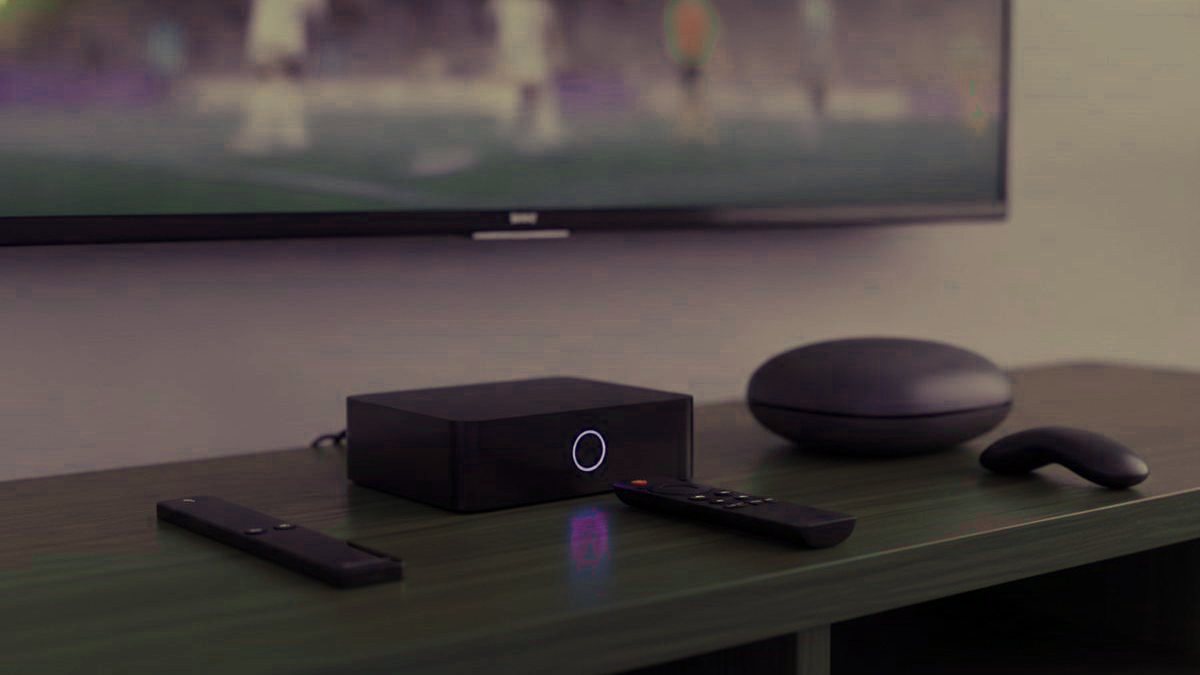
The box under the main television is the one the whole house touches, so it is worth getting right, but worth not overspending on either. Most families need nothing new at all, and the handful who do are better served by a cheap stick plus a network cable than by a $190 unit. Here is how the devices rank for a living room full of mixed ages, and the one Fire TV model that will not do what the guides tell it to.
The short answer
Start with whatever is already in the room. If you must buy, a Fire TV Stick 4K Max covers nearly every household for around $60. Spend more only for a main set used every day. And before any box, a $12 Ethernet adapter cures more match-night pauses than new hardware ever will.
Check the cupboard before you spend
A trial costs nothing and runs on things you own, so prove the service is worth keeping before deciding what to watch it on:
- A Samsung or LG TV from 2016 onward runs a player from its own store, no extra hardware needed.
- A Fire TV stick or Android TV device you own can watch today; drop a player onto it and you are set.
- A phone, a tablet or a laptop makes an ideal first-night tester.
- An Apple TV takes Smarters Player Lite straight from the tvOS store.
The devices, ranked for a family living room
| Device | Price | Runs TiviMate? | Best for which household |
|---|---|---|---|
| Walmart onn. 4K Pro | ~$50 | Yes, from the Play Store | Budget homes; no sideloading needed |
| Fire TV Stick 4K Max | ~$60 | Yes, sideloaded | The default pick for most families |
| Google TV Streamer / BuzzTV | $80–$100 | Yes | A tidy mid-range main-TV box |
| MAG 324 / 5xx | $120–$160 | No, portal based | Grandparents who want a cable-box feel |
| Formuler Z11 Pro Max | ~$190 | Yes, plus MyTVOnline 5 | Daily viewers who want a real remote |
| Nvidia Shield TV Pro | ~$200 | Yes | The fastest, and overkill for most |
| Roku | $30–$100 | No | Avoid for IPTV |
The Fire TV Stick trap worth knowing
When people say the Fire TV Stick is the easy answer, they mean the 4K and 4K Max, which run Fire OS. On those, TiviMate is not in Amazon store, so you add it by sideloading with the Downloader app, about five minutes, and the setup guide names every menu. To do that you first turn on developer options by pressing Select seven times on the device name in the settings. The catch for 2026 buyers: the newer Fire TV Stick 4K Select runs a different system called Vega OS, which cannot sideload at all, so none of the Downloader steps apply to it. If you want TiviMate on a Fire device, buy the 4K or 4K Max, not the Select.
What a pricier box buys a daily household
For a family that watches every evening, a dedicated box earns its keep in three ways:
- A proper remote. Dedicated keys for the channel list, the guide and favorites, worth more than any spec sheet the moment a child or grandparent takes the controls.
- Nothing to install. Because a MAG signs in through a portal bound to the box itself, there is no app to load and no update to chase.
- A snappier guide. Purpose-built hardware such as the Formuler Z11 Pro Max, carrying 4 GB of memory and gigabit Ethernet, repaints a giant channel list well ahead of a stick asked to do the same.
Against all that, you pay three to five times a stick price: easy to justify on the living-room set, hard to justify in a spare bedroom.
Why we skip Roku for IPTV
Roku is lovely for mainstream apps, so the assumption is fair, but it allows no sideloading and its store carries almost none of the serious players; TiviMate is not there at all. What is left is a thin selection and screen mirroring, which works but makes a weak daily experience for a family. If you already own one, use it with the player its store does offer; if you are buying now, buy something else.
If you buy a generic Android box
- Memory of 2 GB at the very least, 4 for comfort, or a big lineup turns sluggish.
- Genuine Android TV rather than a repackaged phone system, so TV apps appear properly in the store.
- A wired network socket, since a cable outlasts Wi-Fi on live streams without fail.
- A brand you can name. No-name boxes often arrive with modified firmware nobody can vouch for, which you do not want on a family device.
- Pay no attention to core counts. A few quick cores beat a pile of slow ones, and the spec listings love to mislead here.
The cheap fix that beats a new box
When buffering is the gripe, a new box is usually the wrong answer. The culprit is almost always the network rather than the processor: a weak evening signal, far from the router, with every neighbor streaming at once, is exactly where live channels fall apart. A $12 wired adapter into the main TV clears more of that than any box can. Prove it with the cable before you commit $190 to hardware that will meet the identical limit.
Never buy a fully loaded box
Boxes that turn up with IPTV apps and a lifetime plan preloaded usually fail inside a few weeks, lean on tampered apps, and have in some cases carried malware, no small matter on a device the kids handle too. Start with a clean box from an ordinary shop, put the apps on yourself, and pair it with a subscription from a provider that shows a website, a trial and a refund policy.
So: nothing at first, test on what you own; then a Fire TV Stick 4K Max and an Ethernet adapter if the TV is old or slow, roughly $70 that solves most cases; a Formuler or MAG only for a main set used daily. All of them take a Kikatv login as a standard Xtream Codes setup, every device has a walkthrough in the setup guides, and the prices are here.
More questions parents send us
Which box should most families get?
For nearly every home the Fire TV Stick 4K Max, around $60, is the sensible pick: it handles 4K, takes every player, and sets up fast. Daily viewers who want a dedicated remote are better off with the Formuler Z11 Pro Max near $190, and anyone chasing raw speed can reach for the Nvidia Shield TV Pro at roughly $200.
Is there a good cheap option?
Yes, the Walmart onn. 4K Pro, roughly $50. Three gigabytes of memory, a proper Ethernet socket and a Play Store mean TiviMate loads with no sideloading at all. Pick the Fire TV Stick 4K Max instead only if you would rather stay on Fire OS or do not shop at Walmart.
Is the Fire TV Stick 4K Select the same as the 4K Max?
No, and the difference catches families out. On the 4K and 4K Max, both Fire OS, you add TiviMate through the Downloader app. The newer 4K Select is built on Vega OS, where sideloading is simply not possible, so those Downloader steps lead nowhere. Buy the 4K or 4K Max if you want TiviMate on a Fire device.
Can we skip buying a box altogether?
Often, yes. Players run straight on a Samsung or LG set from 2016 on, on Android TV, on an Apple TV, and on any phone or computer. Reach for a box when a TV is too old to run a player, when you want TiviMate on a set that is not Android, or when a wired port and a nicer remote appeal.
Should we just buy a faster box to stop buffering?
Usually the wrong spend. Stuttering is nearly always the network rather than the chip, and the worst of it is evening Wi-Fi reaching a room far from the router. A $12 wired adapter into the main TV solves more than any upgrade. Prove that with the cable before putting $190 toward a box that hits the very same ceiling.
Are the pre-loaded IPTV boxes a bargain?
No, avoid them. Units that arrive with apps and a lifetime subscription already on board tend to die within weeks, frequently carry tampered apps, and a few have turned up with malware, which is the last thing you want on a device the children share. Buy a clean box from a regular shop, load the apps yourself, and subscribe to a service with a site, a trial and a refund.
One login the whole family can watch
Message us on WhatsApp and the household is signed in under 15 minutes: cartoons for the little ones, sport and box sets for everyone else. 7-day money-back guarantee if it is not right for you.
Related articles
IPTV Glossary for Families: 28 Terms in Plain English
Twenty-eight IPTV terms in plain English, grouped by the order a household meets them: the login and setup words, your account, finding…
September 19, 2026IPTV vs Cable for Families in 2026: Cost, Channels, Screens
IPTV against cable for a household: what each really costs once the box rentals and fees are counted, kids and sports channels…
September 19, 2026IPTV vs OTT Streaming: Where IPTV Fits in a Family’s Apps
Where IPTV fits next to the streaming apps a family already pays for: what OTT really means, the three products you are…